IP Halloween 2025 - Spirit Halloween! Walkthrough

Difficulty: Hard 🔴
Category: Web Pentesting/Reverse Engineering
Description: We just launched the website for our new Halloween store. This used to be a CVS but now it’s the premiere place to buy costumes online, we invite you to test out Spirit Halloween!
Author: L0WK3Y
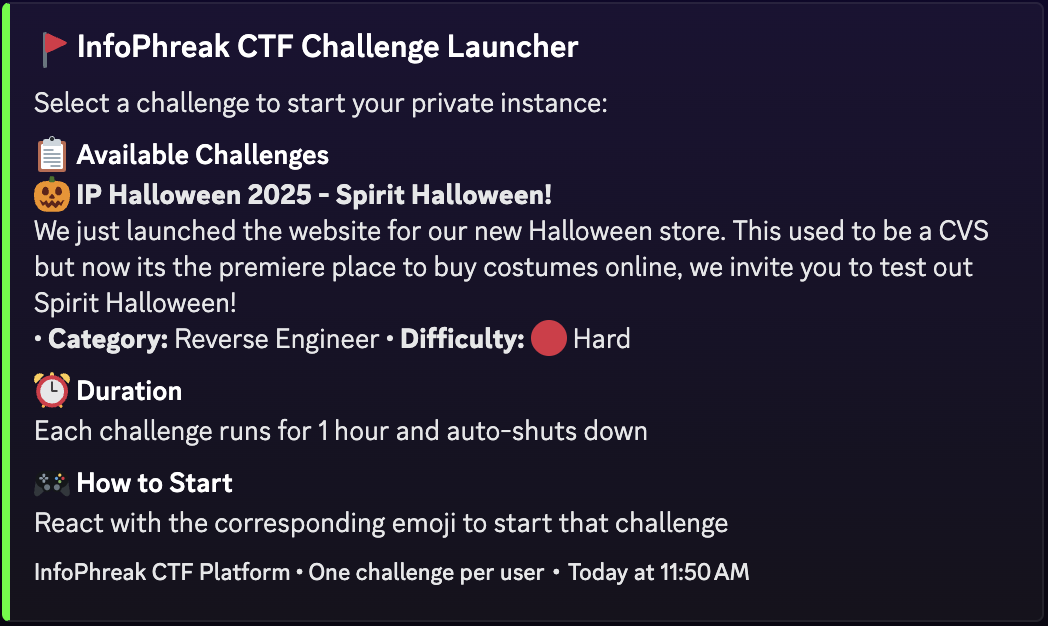
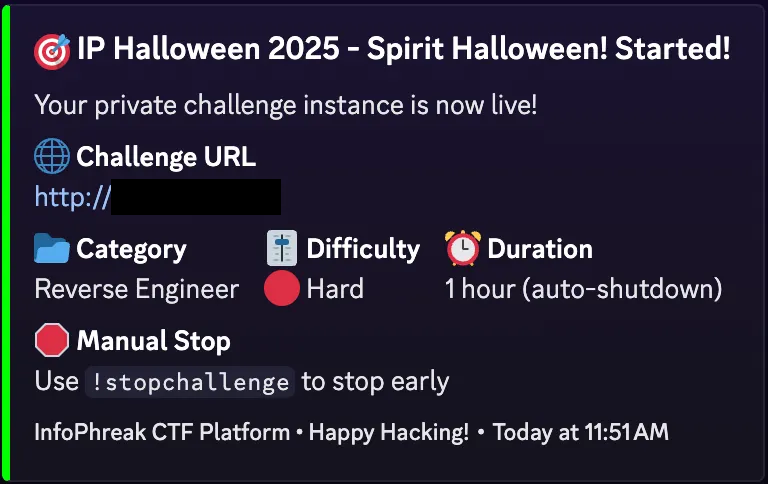
Initial Setup
Phase 1: Web Pentest
After navigating to the IP and landing on the front page, you will come across your first clue: the release of the new “Spirit of Shopping” app.

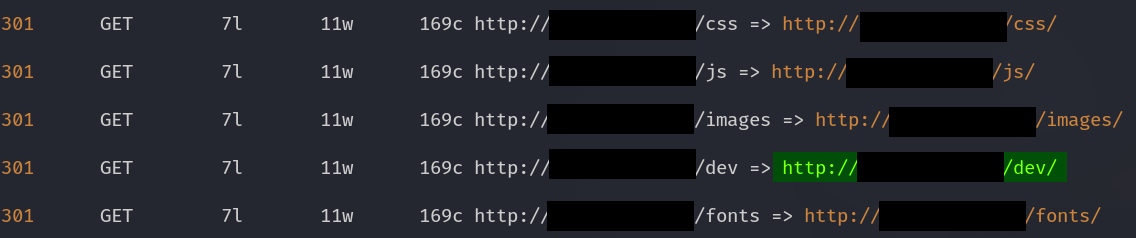
At this point, the player will have done enough recon to know that directory discovery is the next move to make. During directory discovery, you will come across the directory dev.
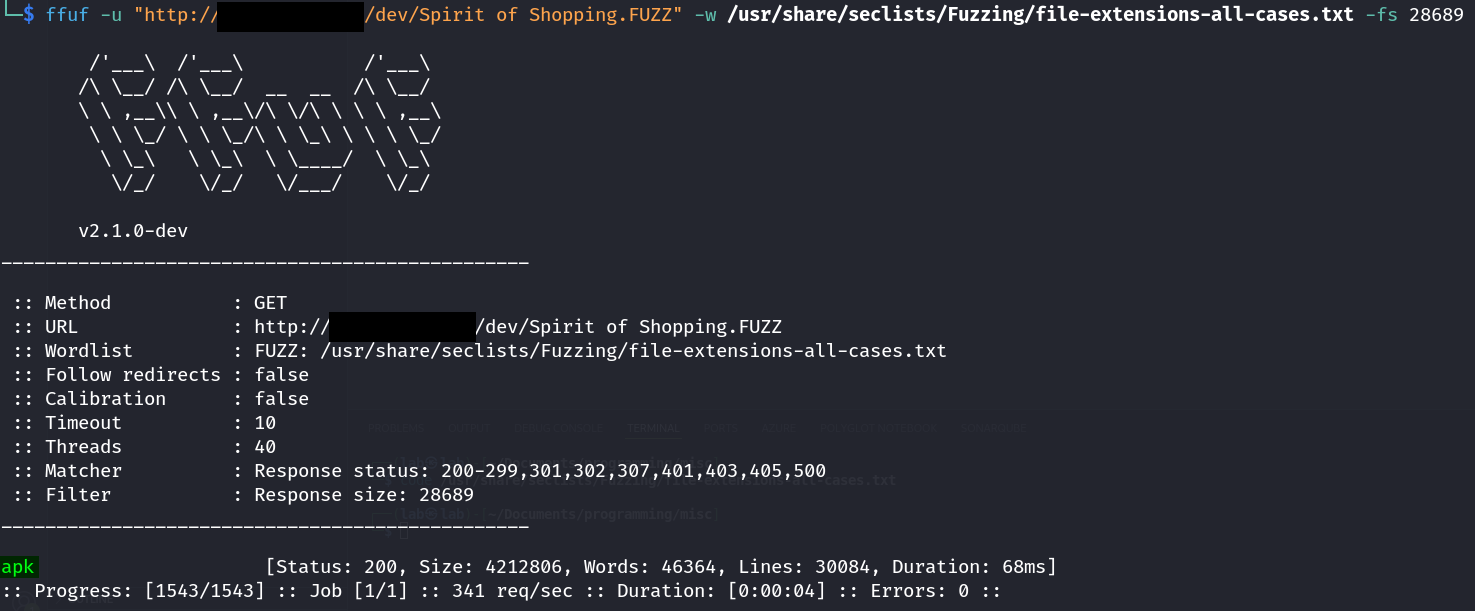
In this directory resides the application Spirit of Shopping — you will just have to figure out the extension.
Phase 2: Reverse Engineering
Once you have downloaded the APK, proceed with opening it in the decompiler of your choice, for this walkthrough I will be using JADX. Head over to the AndroidManifest.xml.
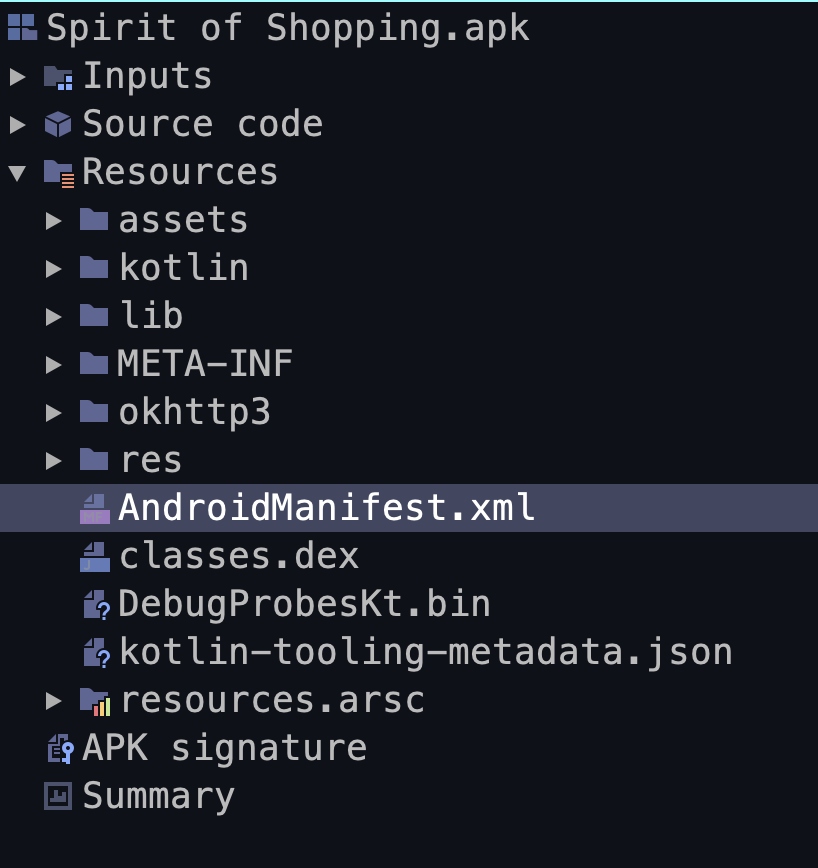
Inside of the manifest you will find the MainActivity but the main activity will not contain any information on the flag itself, you will need to head to the location where the MainActivity class is located com.halloween.party.

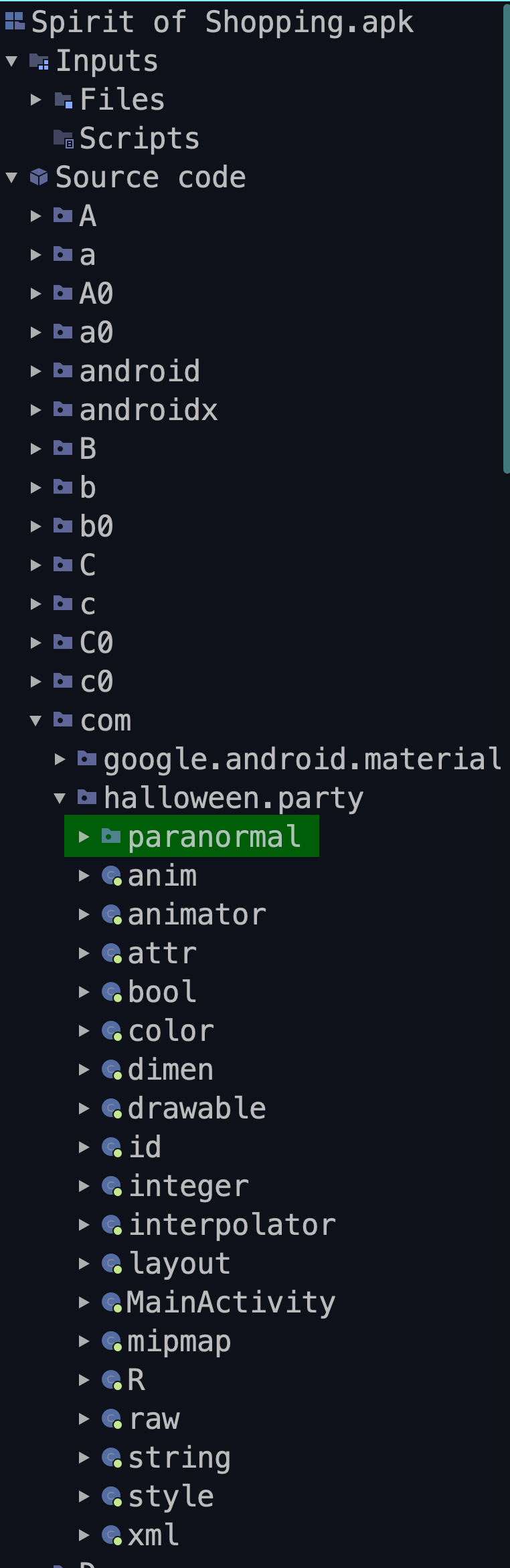
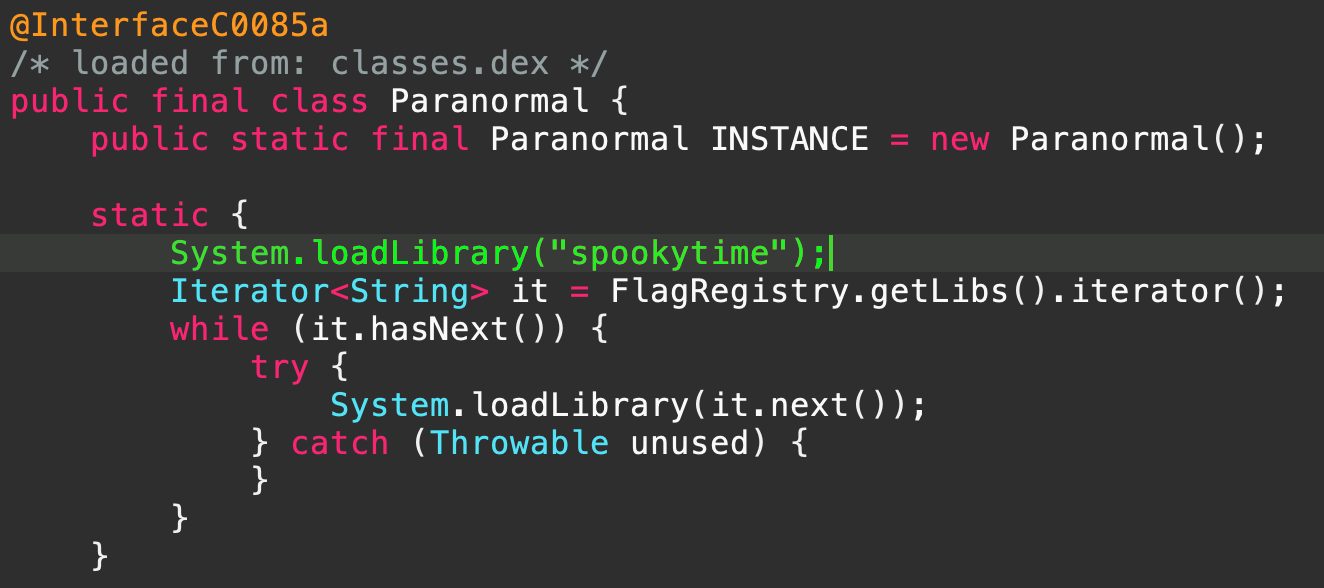
After reaching the location of the MainActivity class, you will see another class called Paranormal, immediately after the Paranormal class is initialized, you will spot a native library being loaded called spookytime. You will need to export this library, you can do so by navigating to Resources/lib/<ARCH_OF_YOUR_CHOOSING>/libspookytime.so > Export.
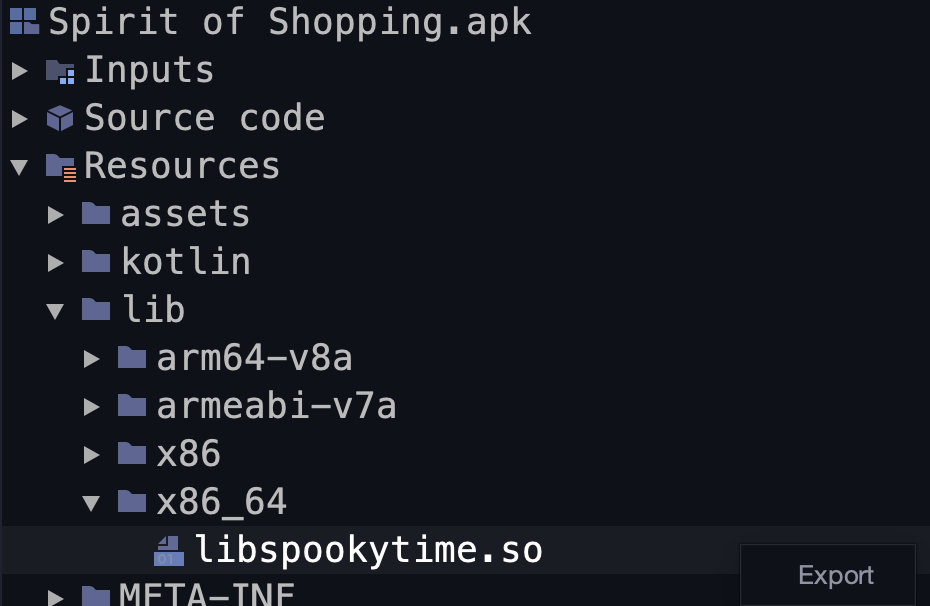
Once you’ve downloaded the library, you can open it in the decompiler of your choosing (Ghidra, Cutter, IDA Pro, etc).
After loading the library in the decompiler, head to the functions and scroll until you reach the function sym.Java_com_halloween_party_paranormal_Paranormal_validateAndRevealNative.

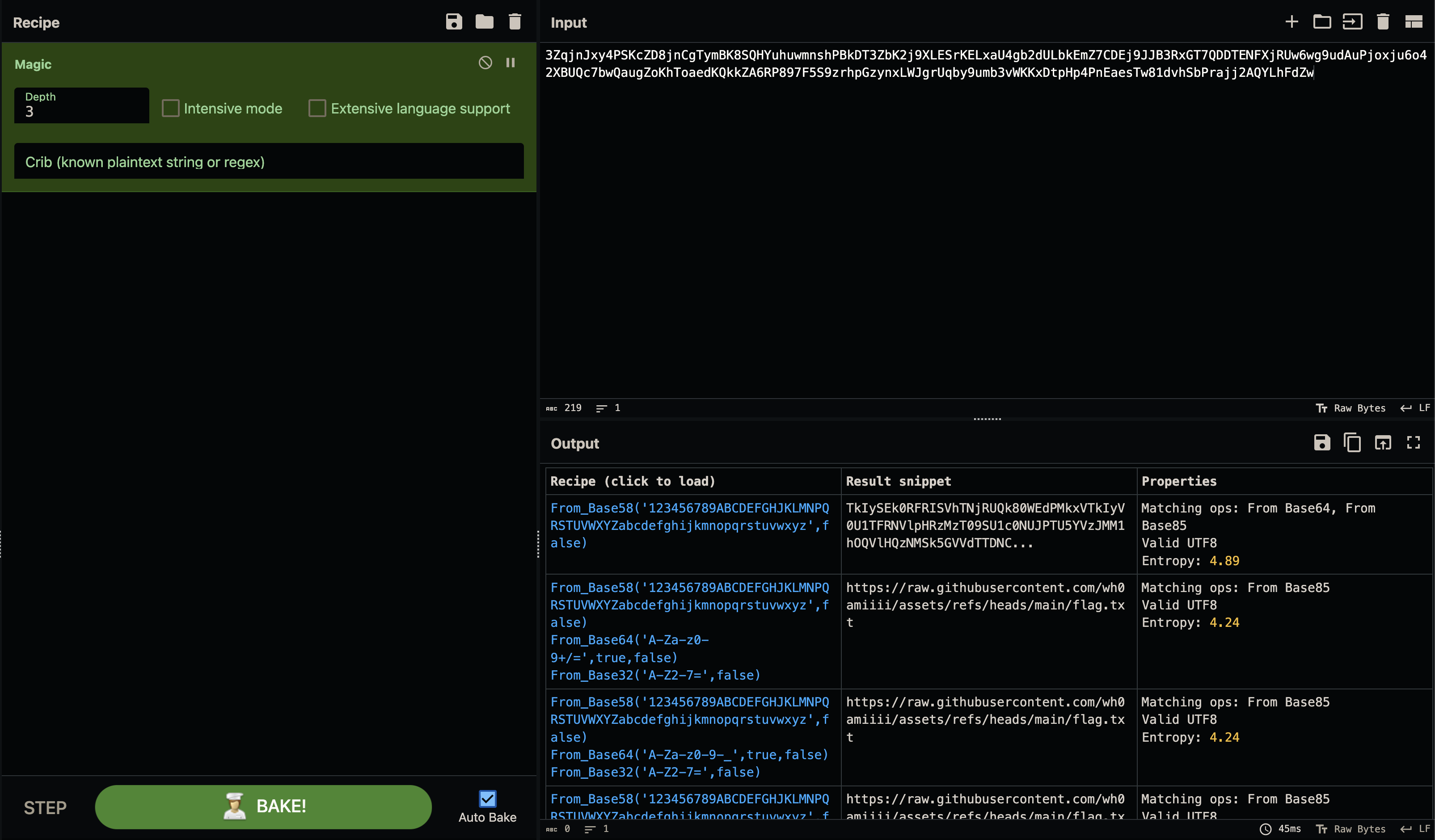
Once there, scroll down until you see a massive encoded string:

From here you can use Cyberchef to decode the string and get the flag.
Related
Hunting With L0WK3Y (Ongoing Series)
Bug bounty and CTF write-ups, tools, cheat sheets and curated resources from L0WK3Y — served on a retro desktop. Opens the standalone Hunting With L0WK3Y site.

Exploiting the Ultimate Essay Grader: A Prompt Injection Deep Dive
A hands-on look at a direct prompt injection vulnerability in an AI essay grader — how a hidden instruction block forced a perfect score, mapped against Pangea's prompt injection taxonomy.
8kSec FactsDroid Walkthrough
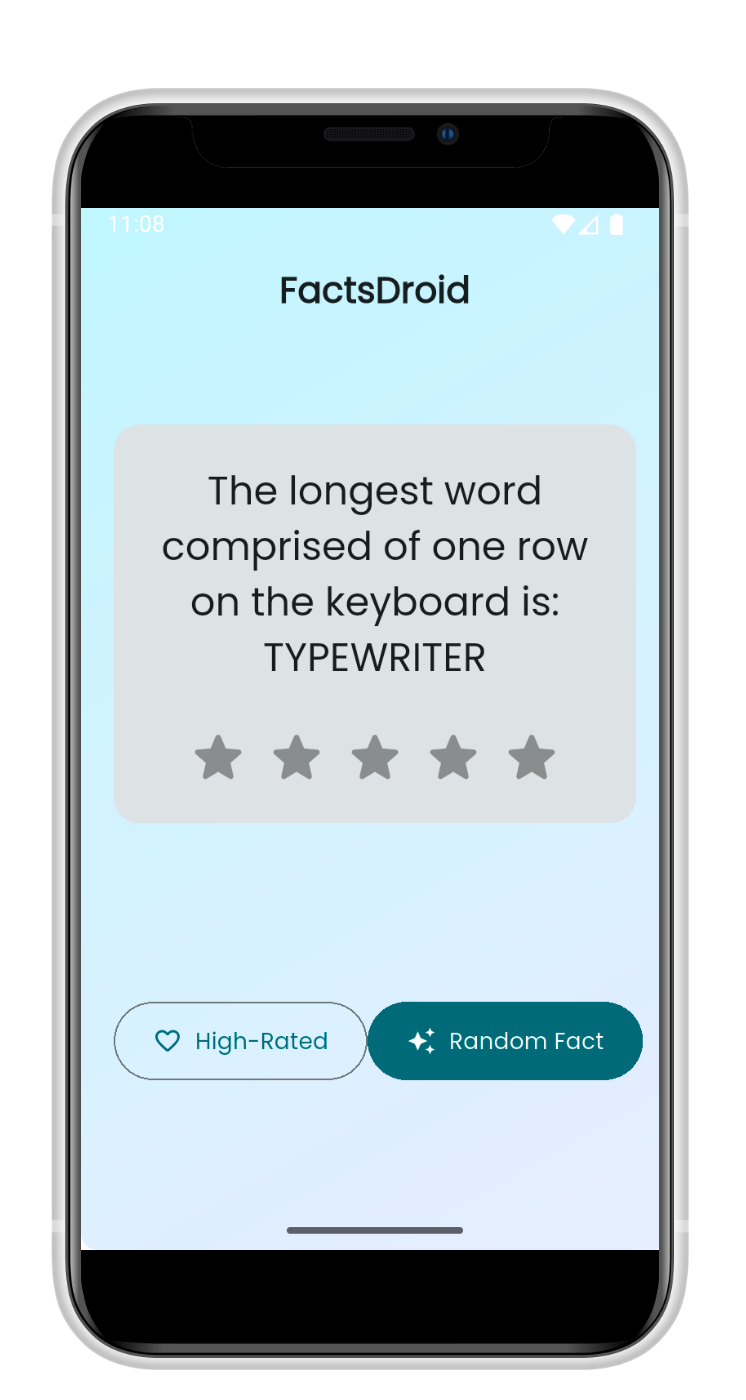
Intercepting and modifying network traffic in a Flutter Android app — bypassing root detection and TLS, setting up DNAT for a proper MITM, and a detour into Flutter's HTTP network policy.